Important Changes to Transaction Search
Transaction Search
Introducing
Our New and Improved Search Tool
From the 29th of August 2024, naus Transaction Search is no longer available for use.
This tool has been replaced with a new and improved Transaction Search tool.

New Transaction Search
The new Transaction Search tool is available for use now in Facility Management. Click here.
https://facilitymanagement.naus.com/
The new Transaction Search is one of the tools available within Facility Management (Facility Analytics & Reporting) and offers several features that were not available within the old search tool.
More detailed information has been provided within this CSP article: Facility Management – Transaction Search.

Basic and Advanced Search Options
Tailor your searches with basic and advanced options to find the information you need.

Inclusion of Cancelled Tickets
New Transaction Search allows you to include cancelled tickets in your searches.

Docket Reprinting
Customers who have upgraded to version 3.7 of Mandalay’s Facility Core Product (Mandalay CS) will have the ability to re-print dockets directly from the new Transaction Search.

View Previous Ticket Versions
Where multiple versions of a ticket exist, you can seamlessly scroll through to review previous versions.

Detailed Transaction Information
The Transaction Details Page provides more in-depth information per transaction. This includes transaction pricing, product weights, product information, images attached to the transaction, and payment details.
Start Using it Now
How to Access New Transaction Search
To access the new Transaction Search, click on the Facility Management tile within the naus Platform.
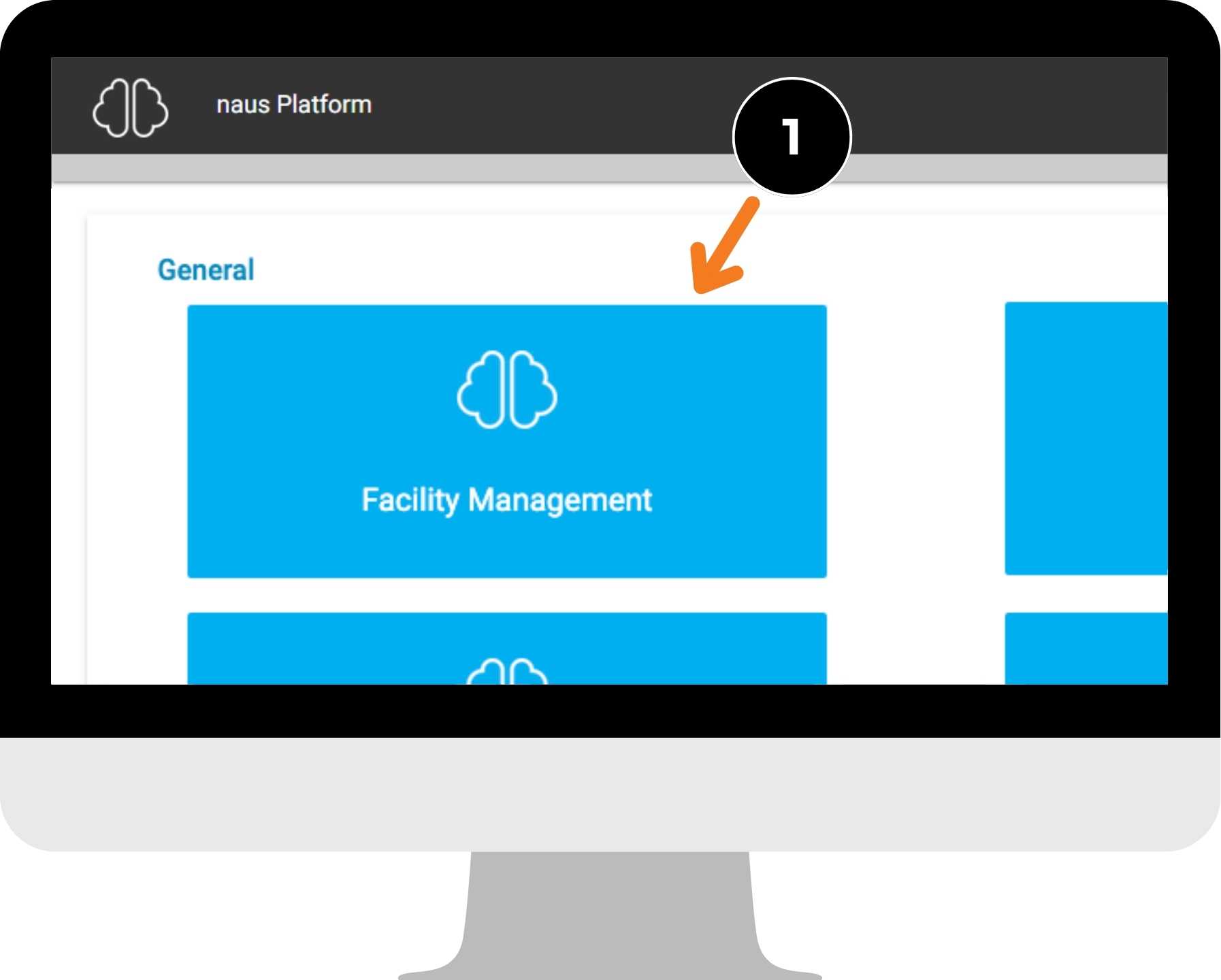
Transaction Search is available from the left-hand menu. Choose from either a Standard or Advanced search.

What does the new Transaction Search look like?

Standard and Advanced search filters are available from the left hand menu.

Drill into individual transactions using the actions buttons on the right hand side. From here you can View, Print Docket or Print Report.
User Permissions
Access to FM Transaction Search is managed via permissions within Facility Management.

If you can’t see Transaction Search within Facility Management please speak with your Mandalay Administrator to request access. They will need to update the Group permissions within the Facility Management product. Read this article to learn more.